Naming print-on-demand products for search
A title has two jobs: tell a shopper what the product is at a glance, and match what they type. Simple formulas that do both, without keyword stuffing.

On this page
On a marketplace or in Google, your product title is often the only text a shopper reads before deciding whether to click. It has to say what the product is, quickly, and it has to contain the words people search for. Those two jobs pull in different directions: one wants short and clear, the other wants more keywords. This post shows how to balance them.
The two jobs of a title
- For people: make the product and the design obvious in the first few words, which is often all that shows in search results on a phone.
- For search: include the main phrase a buyer would type, such as “taco shirt” or “funny taco tee”.
If the title only does the first job, it may not be found. If it only does the second, it reads like a list of keywords and shoppers scroll past it. Etsy’s own guidance to sellers has also leaned toward clear, readable titles rather than long strings of keywords.
A title formula that works
For most print-on-demand products this structure works well:
Design name or main phrase + product type, one or two descriptive phrases
The first part is what the shopper sees first. The part after the comma adds a second search phrase, written so a person can still read it.
Front-load the important words
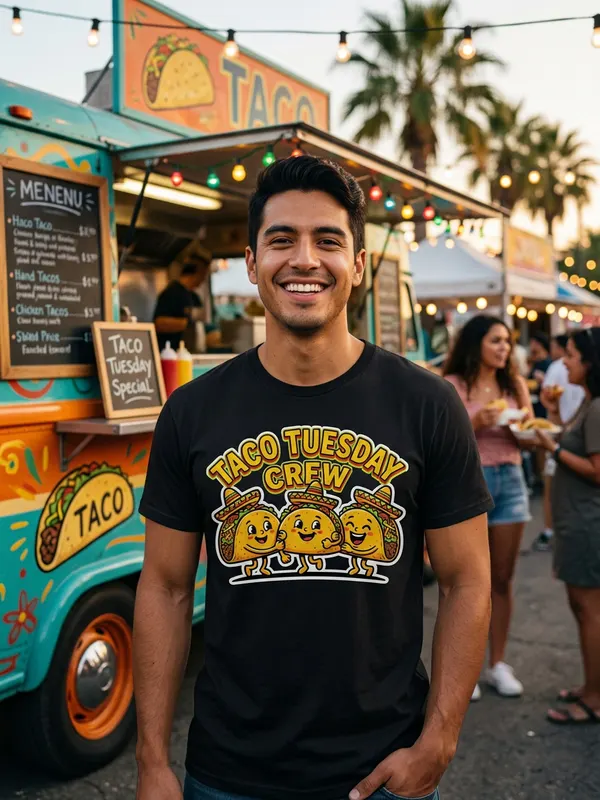
Search results, especially on phones, often cut titles short. Put the words that identify the product at the start. “Funny Taco Shirt” in the first three words is visible everywhere; the same words at the end of a long title may never be seen.
This also helps with Google. A page title that leads with the product and the design is easier to understand in a search result than one that leads with your shop name or a size list.
Avoid keyword stuffing
Keyword stuffing is repeating the same idea many ways in one title: “Taco Shirt Taco Tee Taco T-Shirt Funny Taco Shirt Taco Lover Shirt Taco Gift”. It looks spammy to buyers and it wastes space that tags handle better. Some practical rules:
- Use each important word once or twice, not five times.
- Put alternative phrasings in tags instead of the title.
- Do not list every size, color or occasion. Attributes and tags cover those.
- Avoid ALL CAPS and lines of symbols.
Give each design its own name
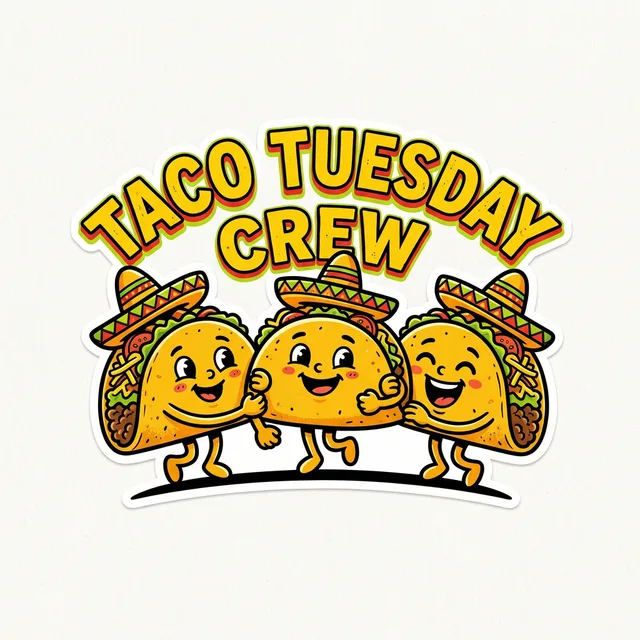
When you list many designs, titles start to blur together. “Funny Shirt”, “Funny Shirt 2”, “Funny Gift Shirt”… A short, distinct design name, often the text printed on the shirt, makes each product easy to tell apart in your store, in your order list and in a buyer’s memory. It also stops you from competing with yourself for the exact same search.

Descriptions and SEO fields
The title gets the click; the description helps the buyer decide. Keep the first one or two sentences about the design and who it is for, written for people. Then add the practical details: material, fit, care and print method, which you can take from the product’s details in Printify.
On Shopify you also have a separate SEO title and meta description for each product. These are what Google usually shows. Keep the SEO title within roughly 60 characters so it is not cut off, lead with the product and design, and write the meta description as one inviting sentence of about 150 characters or fewer.
Adjusting the title for each product
When one design goes on several products, keep the design name the same and change the product part. “Coffee First T-Shirt”, “Coffee First Hoodie” and “Coffee First Tank Top” are easy to tell apart and easy to search for. The descriptive phrase after the comma can also change to fit the product: a hoodie might be a “Cozy Coffee Lover Gift”, while the T-shirt is a “Funny Morning Person Tee”.
If a product type has a well-known second name, use both: “Sweatshirt” in the title and “crewneck” in a tag, or “Long Sleeve” in the title and “long sleeve tee” in a tag. That way each listing matches two common searches without repeating itself.
Finally, keep a consistent style across the shop. If some titles use commas and others use dashes, or some say “Tee” and others “T-Shirt” at random, the store looks less cared for. Pick a pattern and stick to it.
Common naming mistakes
- Leading with the shop name. Your shop name is already shown on the listing. Spend the first words on the product.
- Clever but unclear names. “Morning Ritual” is a nice phrase, but nobody searching for a coffee shirt types it. Pair a creative name with a plain description.
- Copying the file name. “IMG_2041 final” has reached more live stores than anyone would like to admit. Check before publishing.
- Using trademarked words to catch traffic. Brand, character and team names in titles are a fast way to lose a listing.
A quick naming checklist
- Does the title say what the product is in the first three or four words?
- Does it contain the main phrase a buyer would type?
- Is it readable out loud, without repeating itself?
- Is the design name different from your other designs?
- Is it free of brand names, characters and famous slogans?