Help center
Learn Podjolt
Step-by-step guides with pictures for every part of Podjolt, from your first upload to your profit numbers.
Start here
New to Podjolt? Follow these in order and you'll have products in your store today.
- Create your account and set up your storeSign up with email or Google, then follow the setup steps.
- Connect PrintifyPaste a Printify API token so Podjolt can make your products.
- Connect ShopifyInstall the Podjolt app on your store in one click.
- Choose products, colors and pricesPick the blank garment, its colors, sizes, prices and print size once.
- Upload designs in bulkDrop up to 100 PNGs or a whole folder at once.
- Publish to Shopify and EtsyOne click per design or all ready designs at once, at your pace.
Getting started
Create your account and connect your stores once.
-
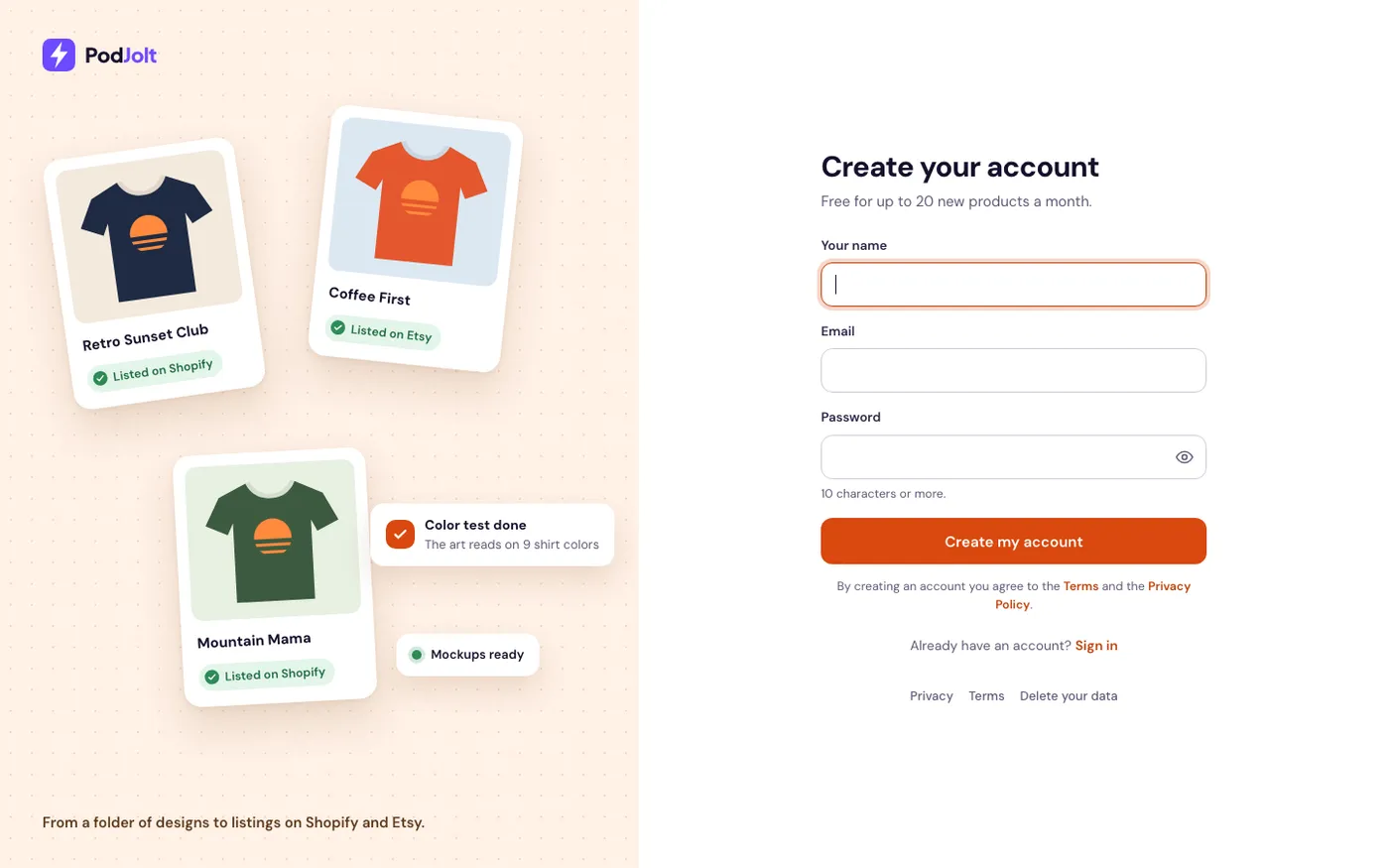
Create your account and set up your store
Sign up with email or Google, then follow the setup steps.
-
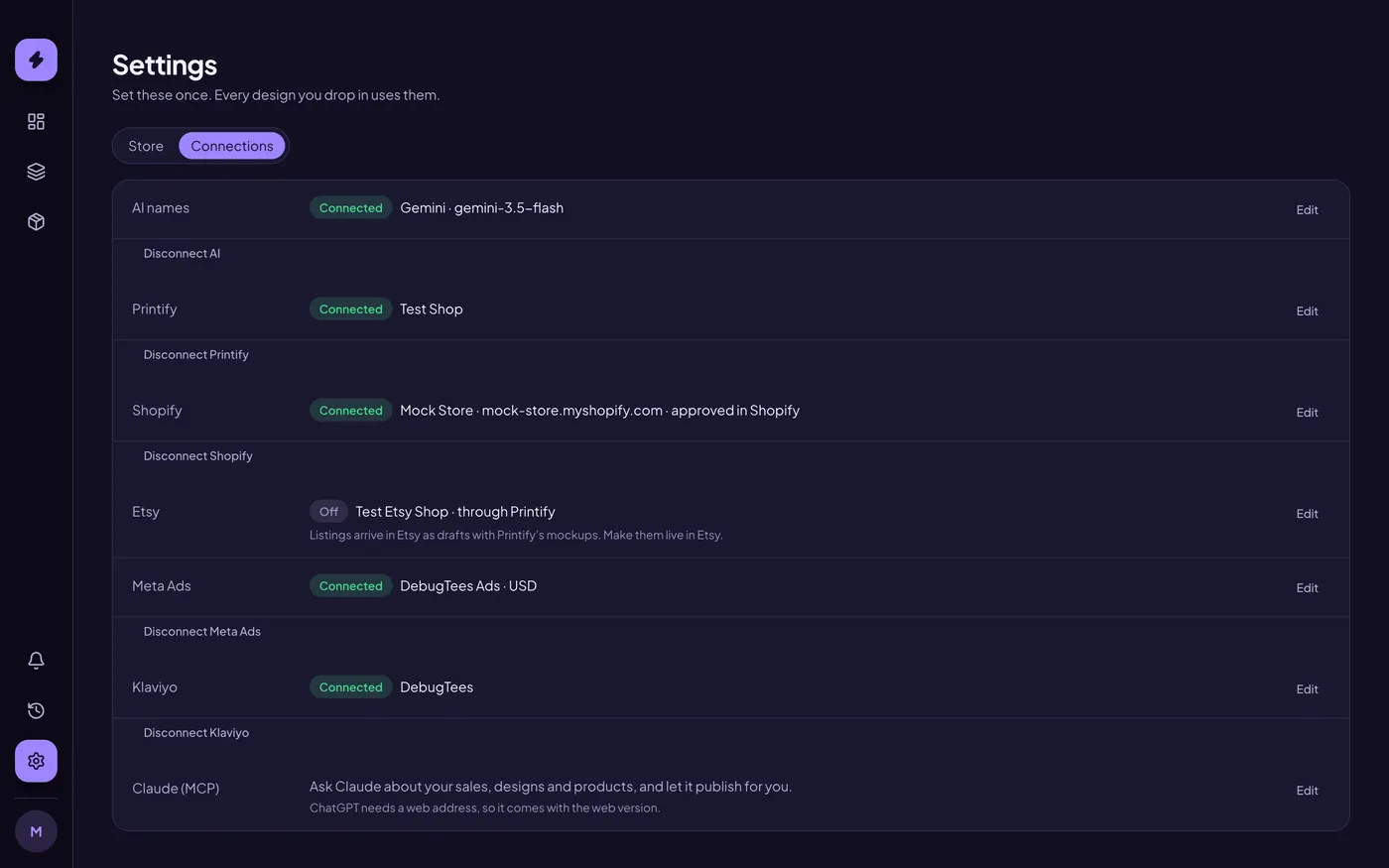
Connect Printify
Paste a Printify API token so Podjolt can make your products.
-
Connect Shopify
Install the Podjolt app on your store in one click.
-
Sell on Etsy
Etsy works through the Etsy shop you linked in Printify.
-
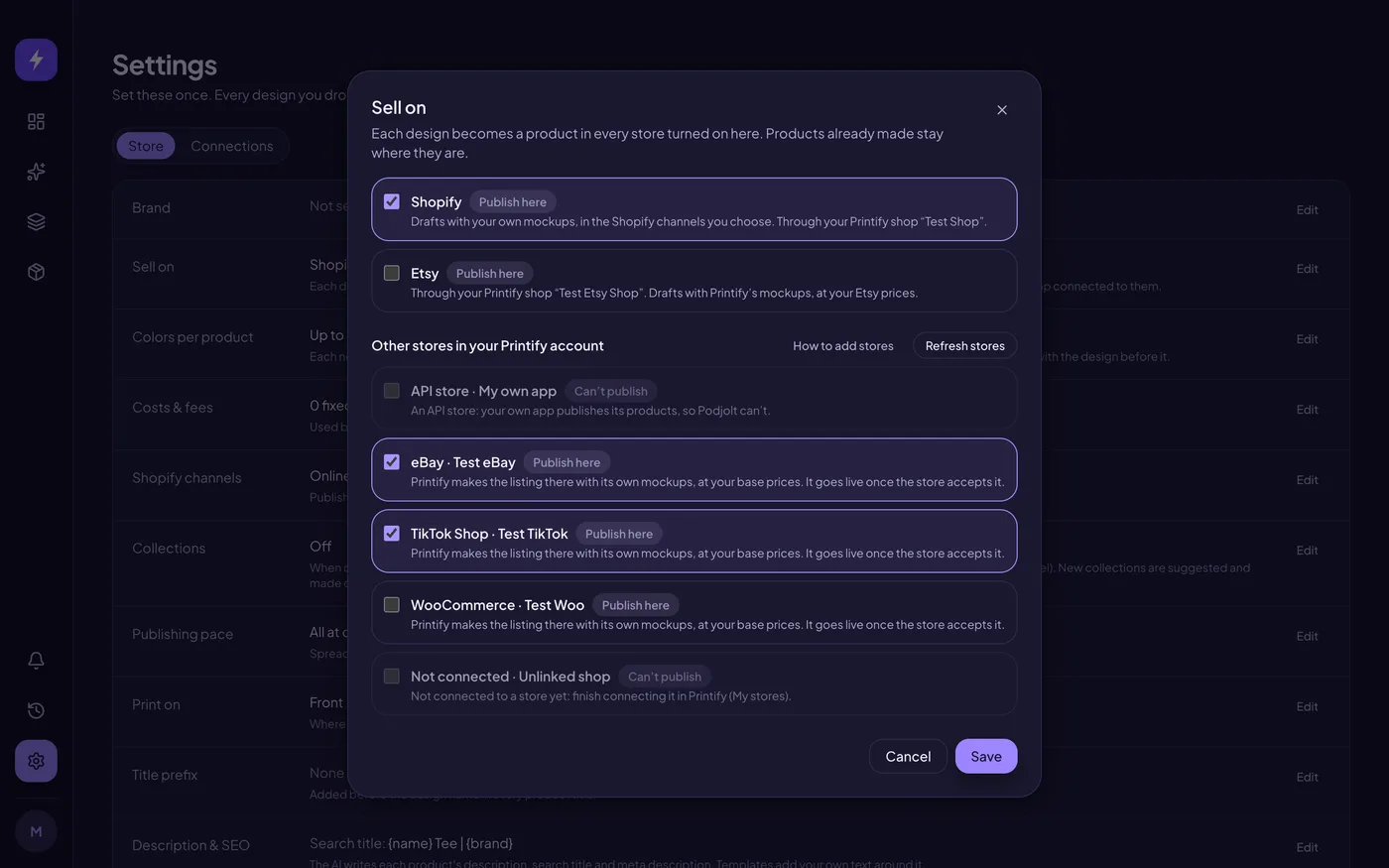
Sell on TikTok Shop, eBay, Amazon and more
Every store linked in your Printify account can get your designs too.
-
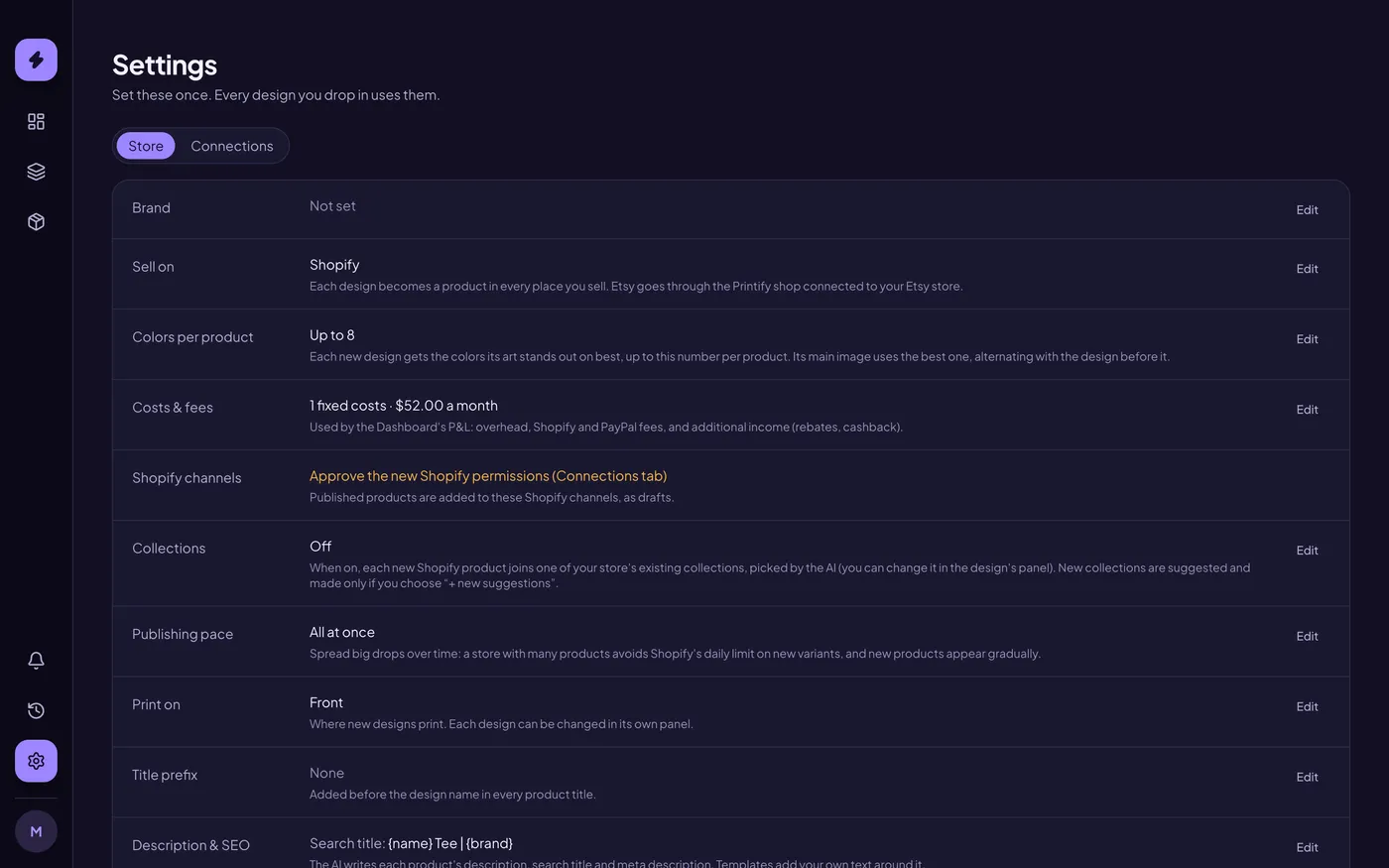
Choose products, colors and prices
Pick the blank garment, its colors, sizes, prices and print size once.
Designs & AI
Bring in your art and let the AI name it.
-
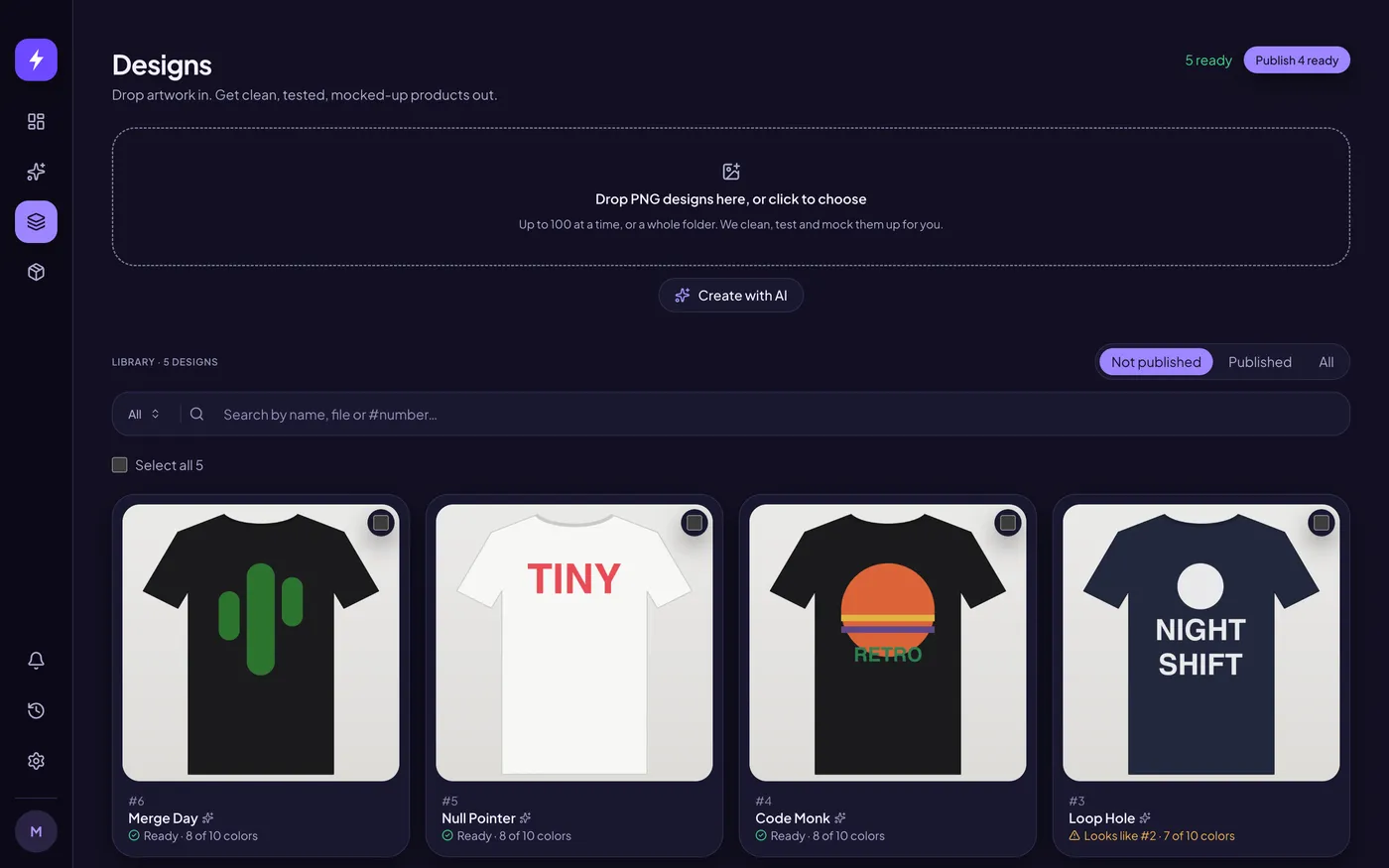
Create designs with AI
Turn an idea, or a list of ideas, into designs and lifestyle photos.
-
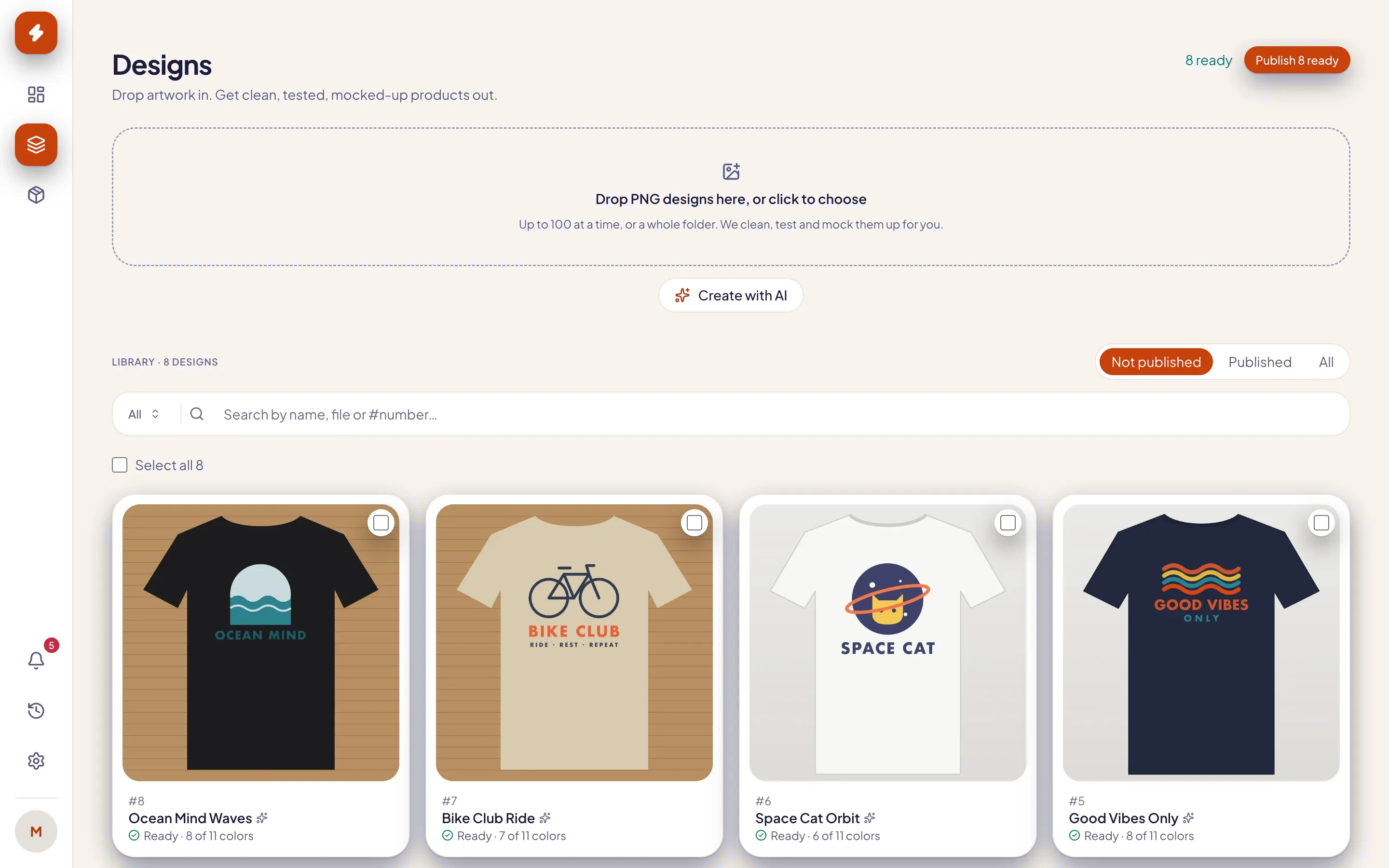
Upload designs in bulk
Drop up to 100 PNGs or a whole folder at once.
-
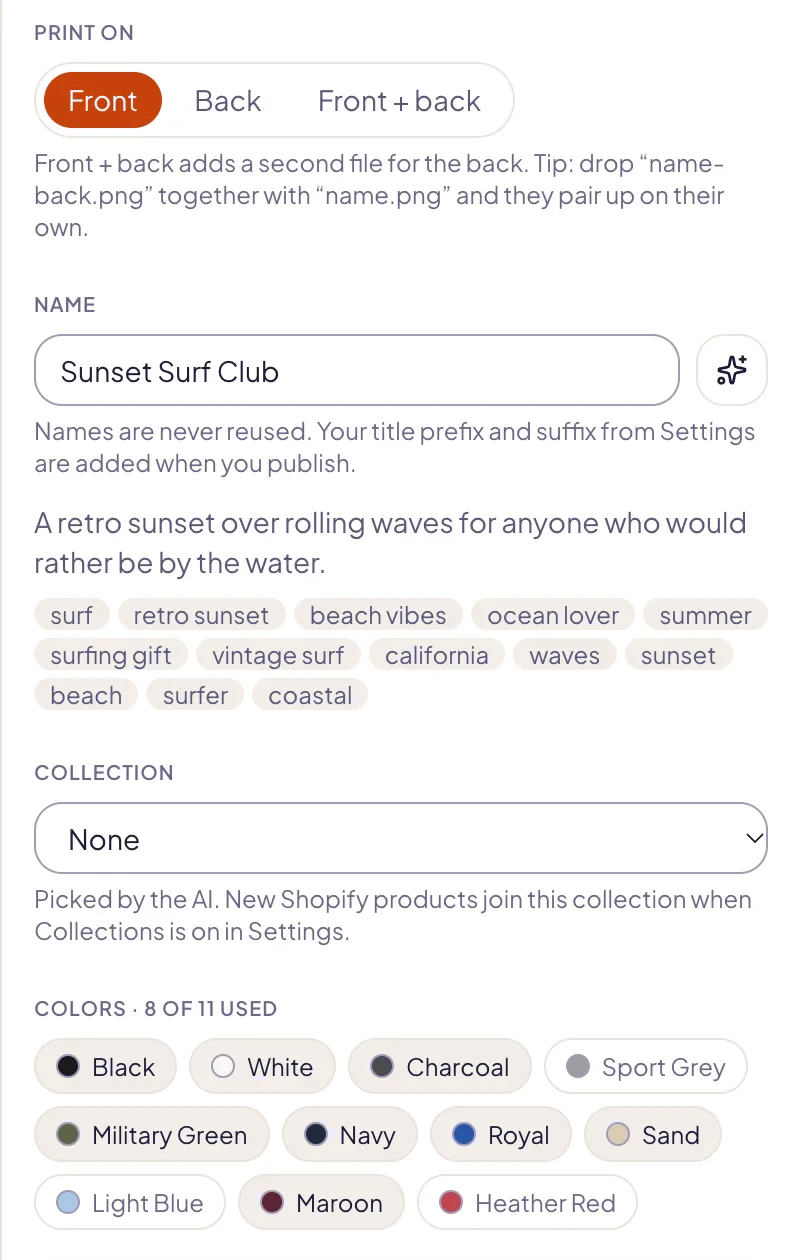
AI titles, descriptions and tags
Every design gets a name, a description, 13 tags and SEO text.
-
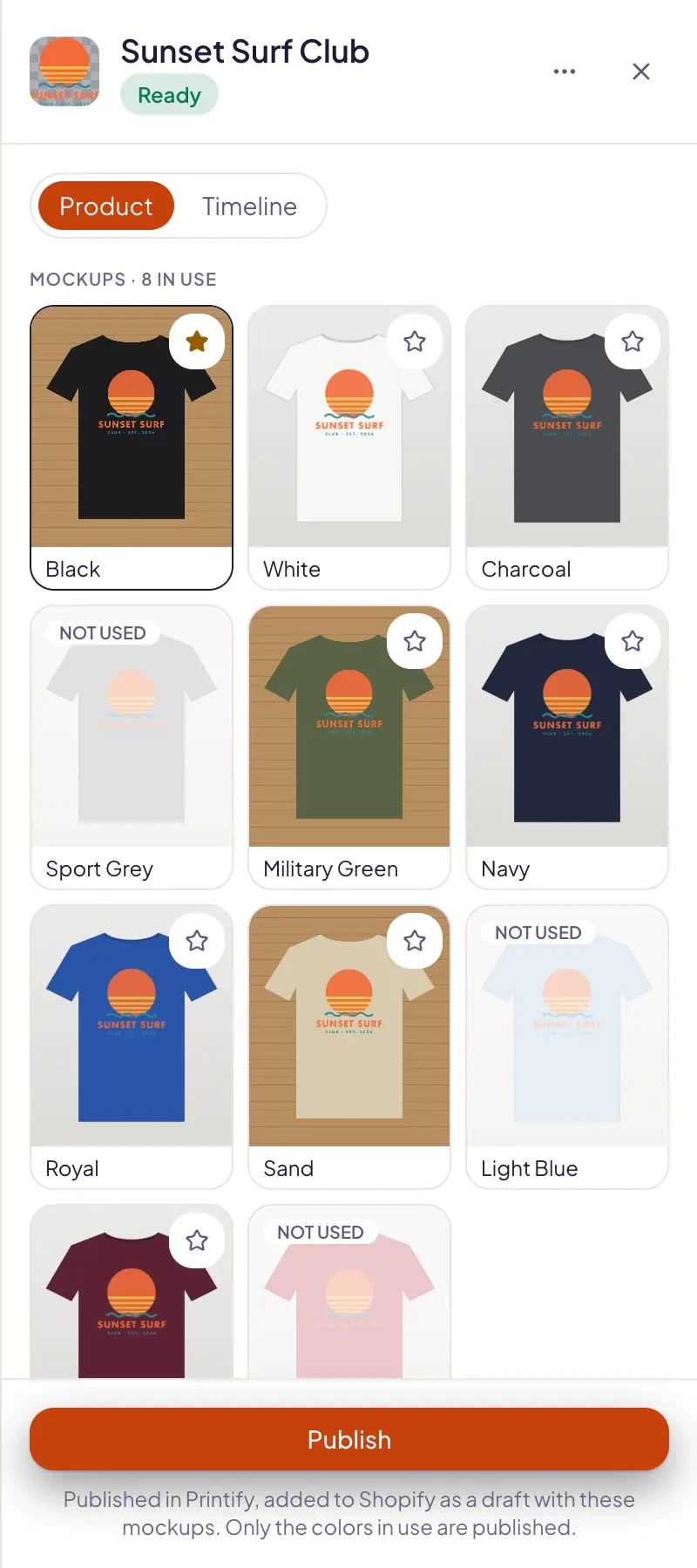
Review and edit a design
Rename, pick colors, set the main image and clear trademark warnings.
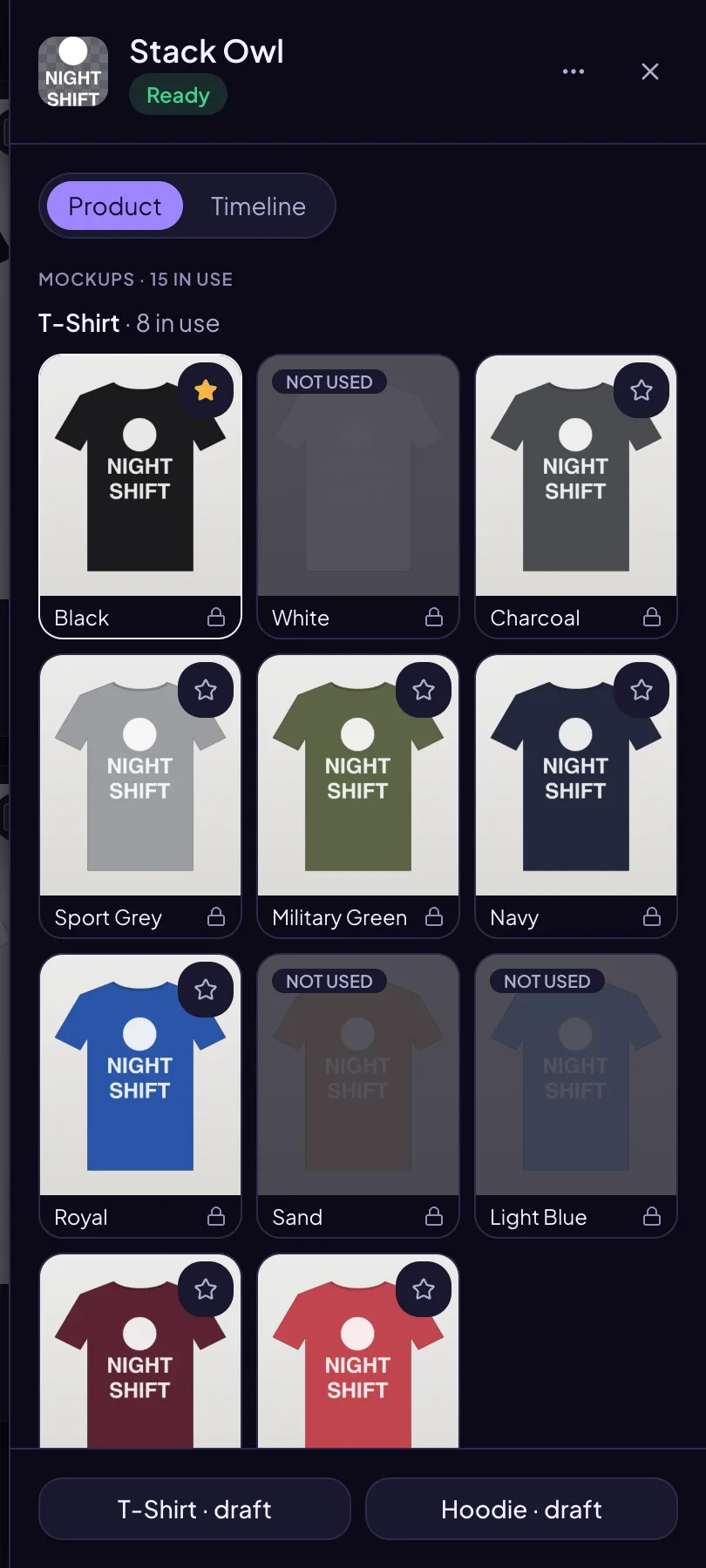
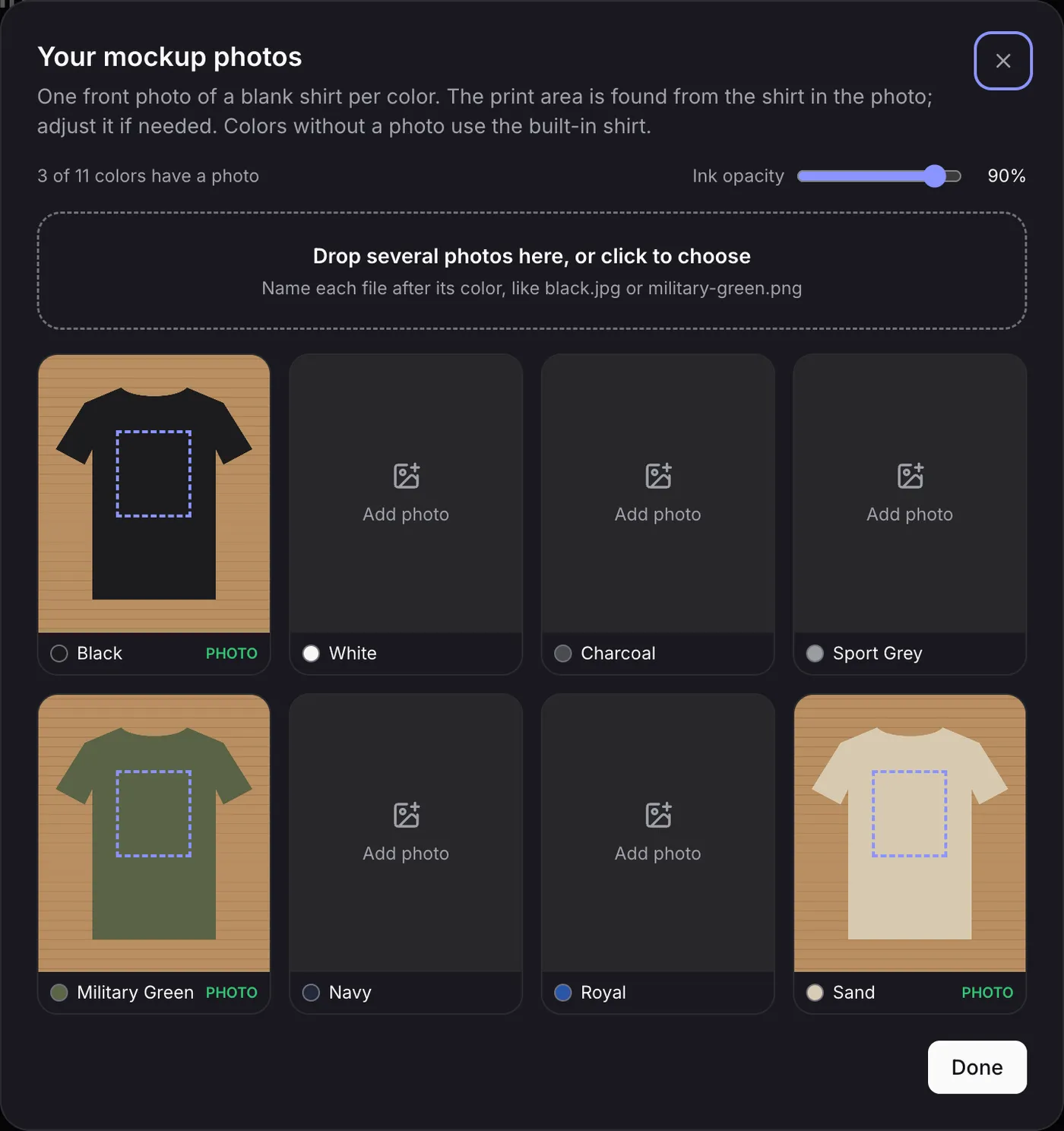
Colors & mockups
Which shirt colors your art reads on, and the pictures of each.
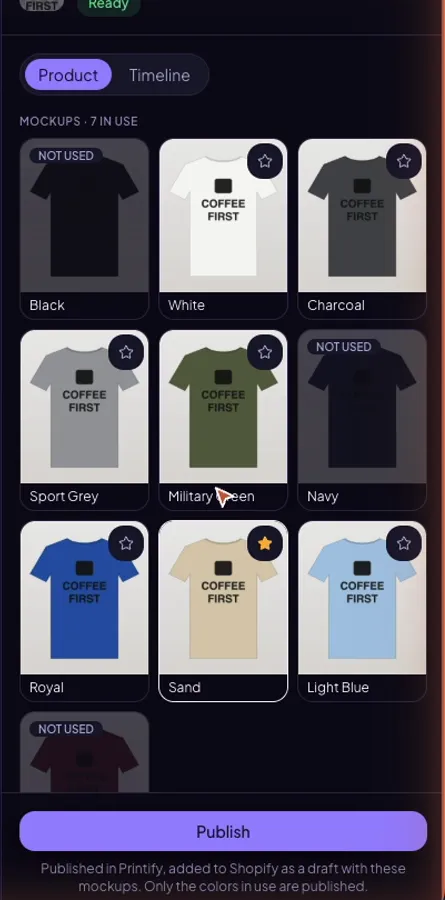
Publishing
From your library to Shopify, Etsy, TikTok Shop, eBay and more.
Stores, team & billing
More stores, more people, your plan and Claude.
Insights
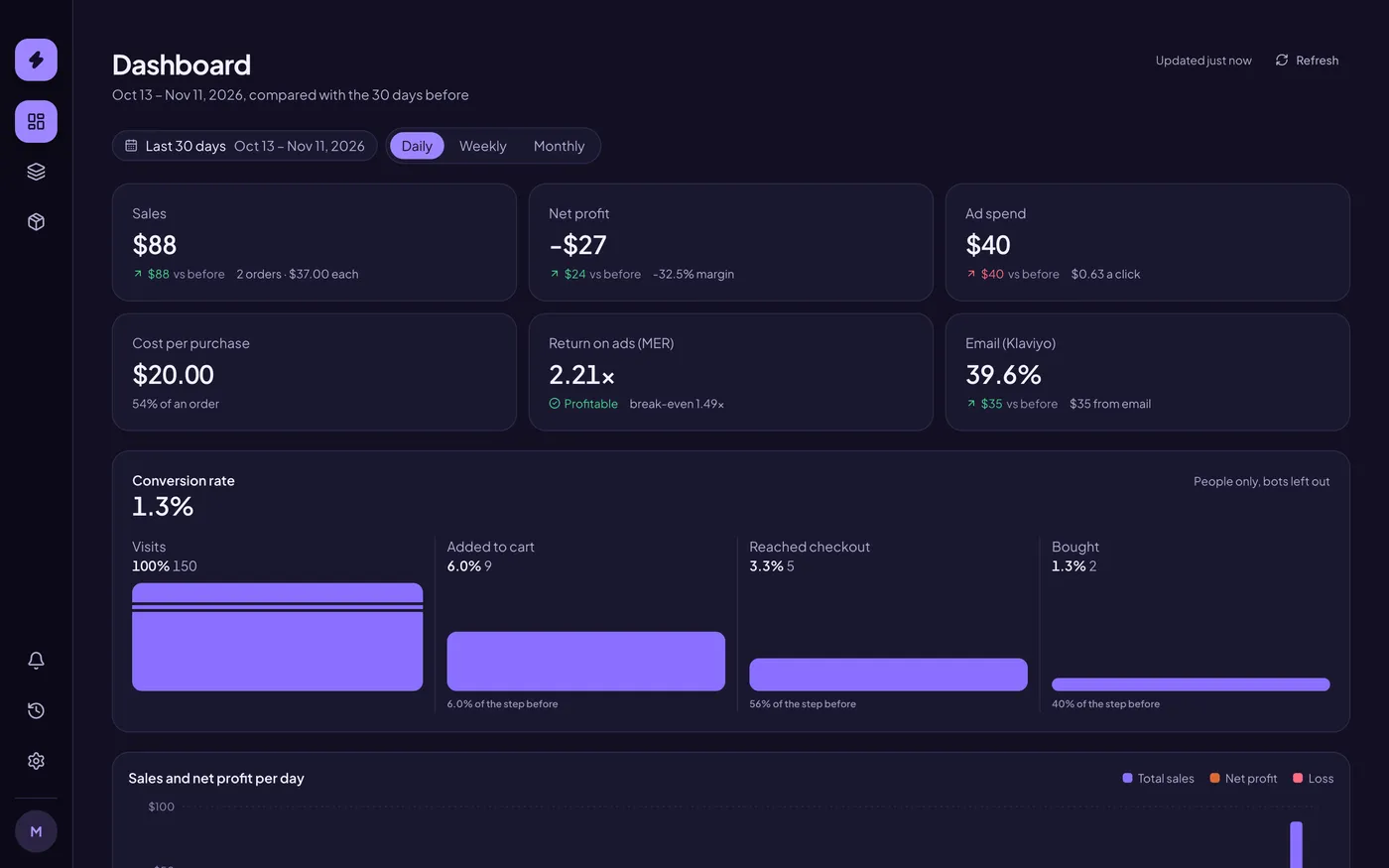
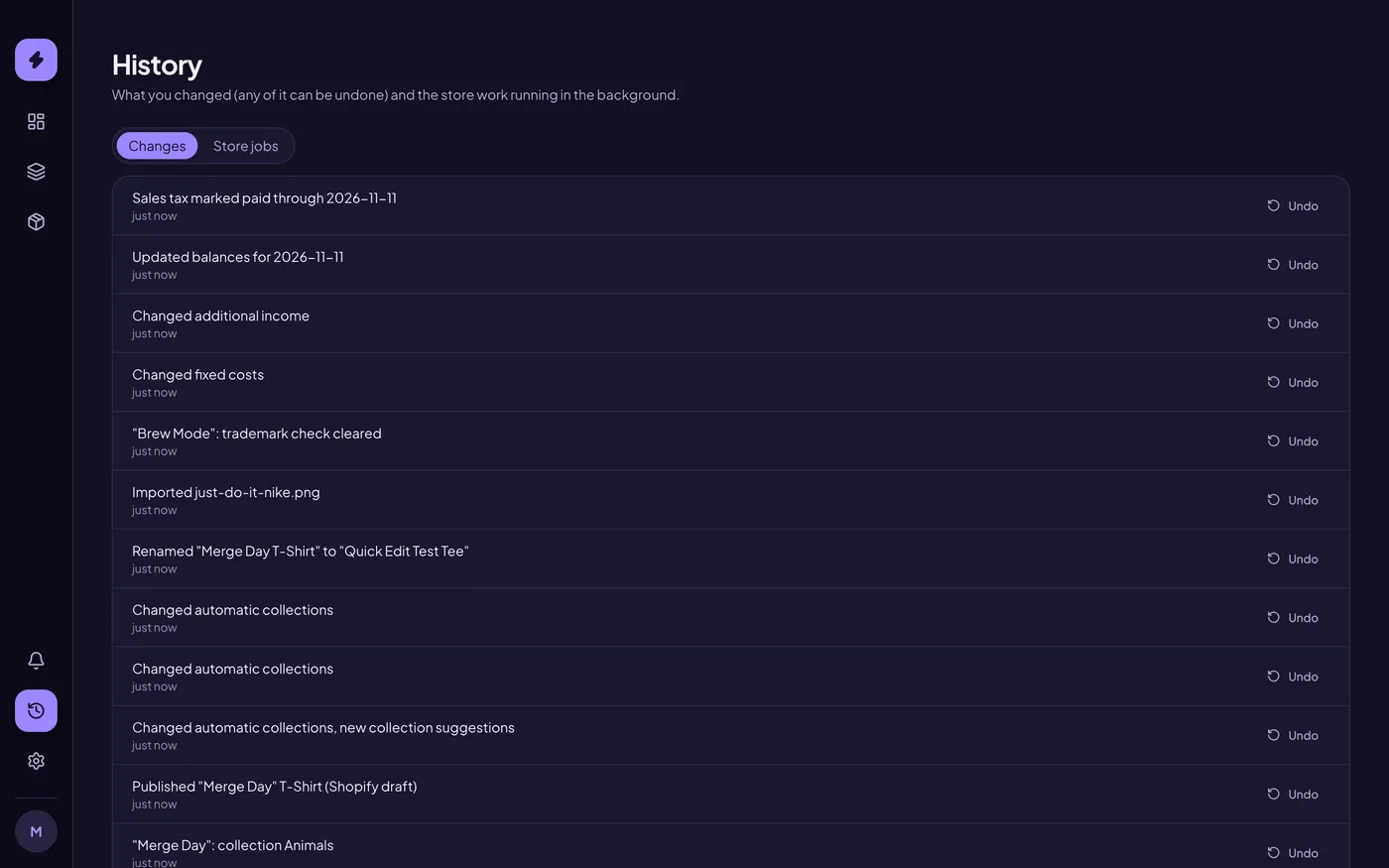
Sales, profit and everything you changed.
No guide matches that. Try another word, or write to support@podjolt.com.
Ready to try it?
Free for up to 20 new products a month. No card needed.