All guides
Sell on Etsy
Podjolt doesn't log in to Etsy itself. It publishes to the Printify shop that's linked to your Etsy store, and Printify sends the listing to Etsy as a draft.
What you need
- Printify connected
- An Etsy shop
Step by step
Link Etsy inside Printify
In Printify, open My stores → Add new store → Etsy and sign in to Etsy there. In Podjolt's setup, Open Printify stores takes you straight to that page.
Pick the shop in Podjolt
Come back to Podjolt and click Use next to your Etsy shop. Don't see it yet? Click Check again. Later you'll find it in Settings → Connections → Etsy, where the row says Selling and … through Printify.
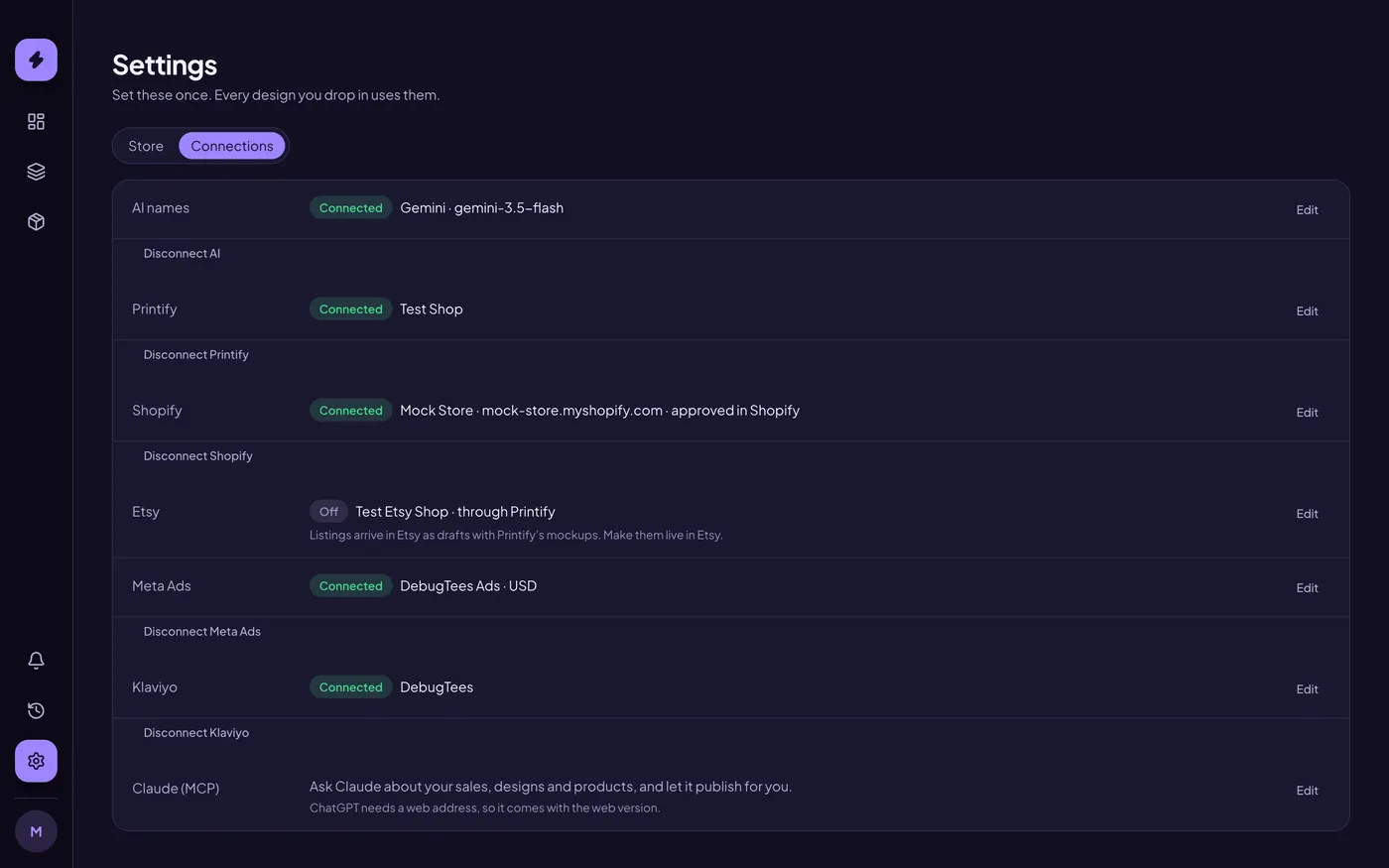
The Etsy row in Settings → Connections shows the shop "through Printify". Set your Etsy prices
With Etsy on, the Prices window for each product type has a separate Etsy column next to Shopify. See Choose products and prices.
Good to know
Good to knowEtsy listings arrive as drafts with Printify's mockups. Make them live in Etsy.
Next
- Sell on TikTok Shop, eBay, Amazon and more Every store linked in your Printify account can get your designs too.
- Choose products, colors and prices Pick the blank garment, its colors, sizes, prices and print size once.
- Publish to Shopify and Etsy One click per design or all ready designs at once, at your pace.
Ready to try it?
Free for up to 20 new products a month. No card needed.