All guides
Connect Printify
Printify prints and ships your products. Podjolt creates each product in your Printify shop, and Printify passes it on to Shopify or Etsy. You connect it once with a key called a Personal Access Token.
What you need
- A Printify account with at least one shop
- A Podjolt account (you must be the store owner)
Step by step
Make a token in Printify
In Podjolt's setup, click Open Printify keys. In Printify, go to My account → Connections → API tokens, create a token with every permission, and copy it.
Paste it into Podjolt
Back in Podjolt, click Paste key, paste the token and click Connect. Later you can find the same thing under Settings → Connections → Printify → Edit.
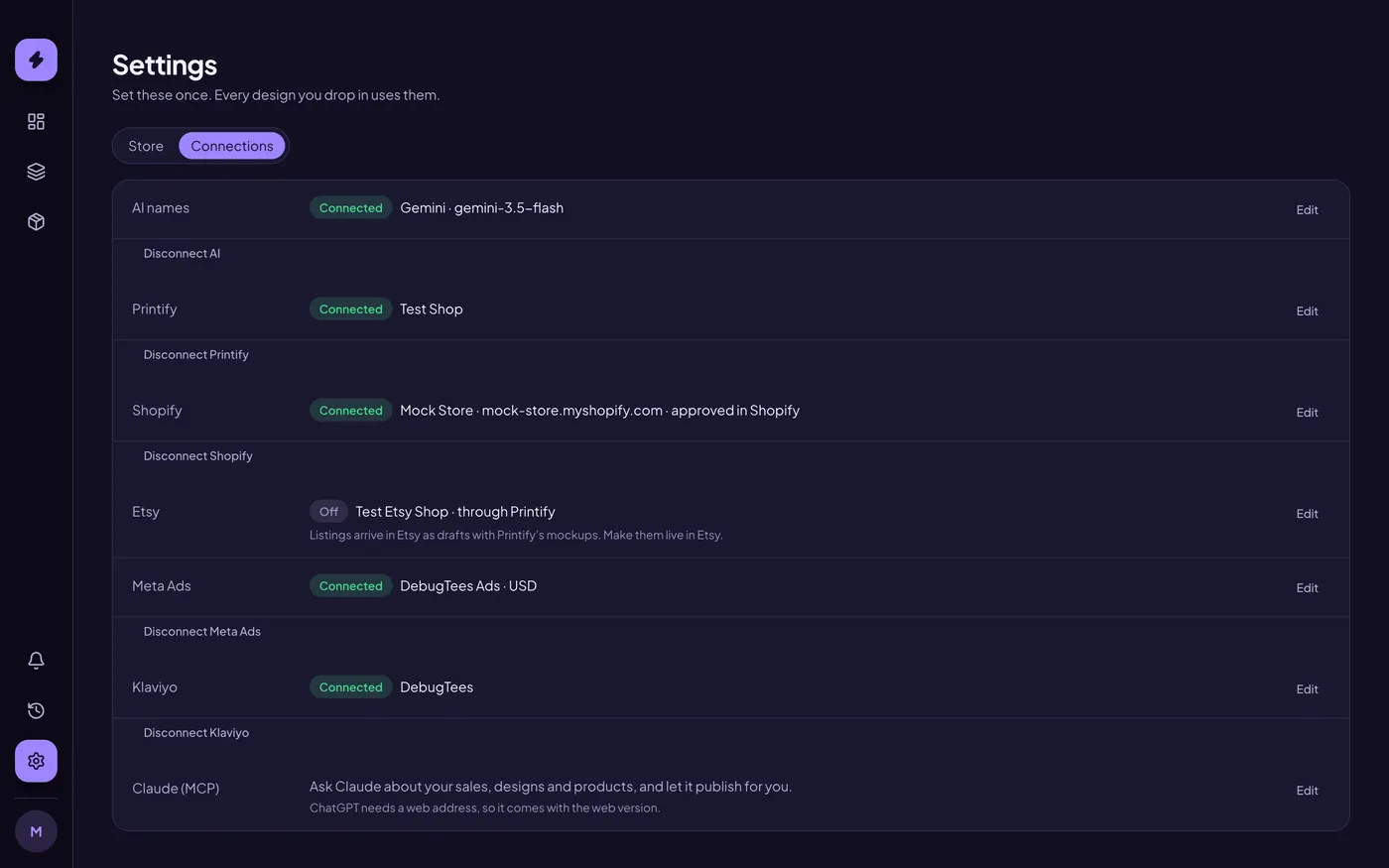
Settings → Connections. Printify shows Connected and the shop products go to. Pick the shop
If your Printify account has one shop, Podjolt connects to it right away. If it has several, it asks Which shop should products go to?. Pick the one linked to the store you want to sell in.
Good to know
Watch outIf you see That Printify account has no shops yet, create a shop in Printify first, then try again.
TipRunning a second brand? Its Printify dialog offers Use the Printify account from … so you don't need a new token.
Next
- Connect Shopify Install the Podjolt app on your store in one click.
- Sell on Etsy Etsy works through the Etsy shop you linked in Printify.
- Choose products, colors and prices Pick the blank garment, its colors, sizes, prices and print size once.
Ready to try it?
Free for up to 20 new products a month. No card needed.